Audit#
On the "Audit" tab, all events that occurred within the Sherpa AI Server are logged.
.png)
The table displays information about:
- account creation / deletion;
- user creation / deletion;
- login attempts (successful / unsuccessful) by users;
- user manipulations with various tools of the Sherpa AI Server.
| No. | Column | Description |
| 1. | "Refresh" button | Allows you to forcibly refresh the "Audit" table. |
| 2. | "Export to CSV" button | Generates an Audit data file in CSV format for import into spreadsheets and accounting systems. |
| 3. | "Export to XLSX" button | Generates an Audit data file in Microsoft Excel (XLSX) format for import into spreadsheets and accounting systems. |
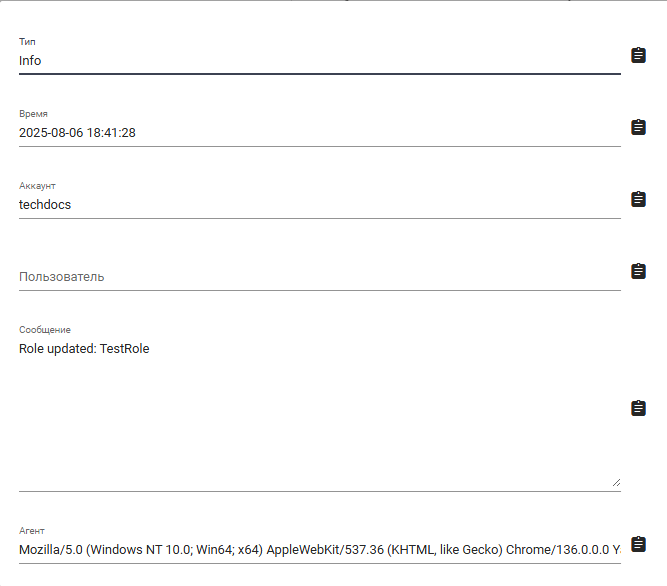
| 4. | "Type" column | Type of information. |
| 5. | "Time" column | Date and time of the event. |
| 6. | "Account" column | Account name. |
| 7. | "User" column | User name. |
| 8. | "Message" column | Event message. |
| 9. | "Agent" column | Browser from which the event was performed. |
To view the record of an event that occurred in the Sherpa AI Server as a card, you need to click on the icon .png) .
.