
Accounts#
Accounts are separate spaces within Sherpa Process Discovery, each with its own set of Processes. Accounts are completely isolated from each other.
With Accounts, Sherpa Process Discovery can be divided into several logical, unrelated areas (for example, by departments), and for each of them, separate accounting and usage of all objects can be maintained.
Accounts represent isolated spaces for storing entities of Sherpa Process Discovery, access to which is provided through the User's login and password.
 | Accounts within Sherpa Process Discovery are not Users. A separate screen “Users” is provided to define User rights. |
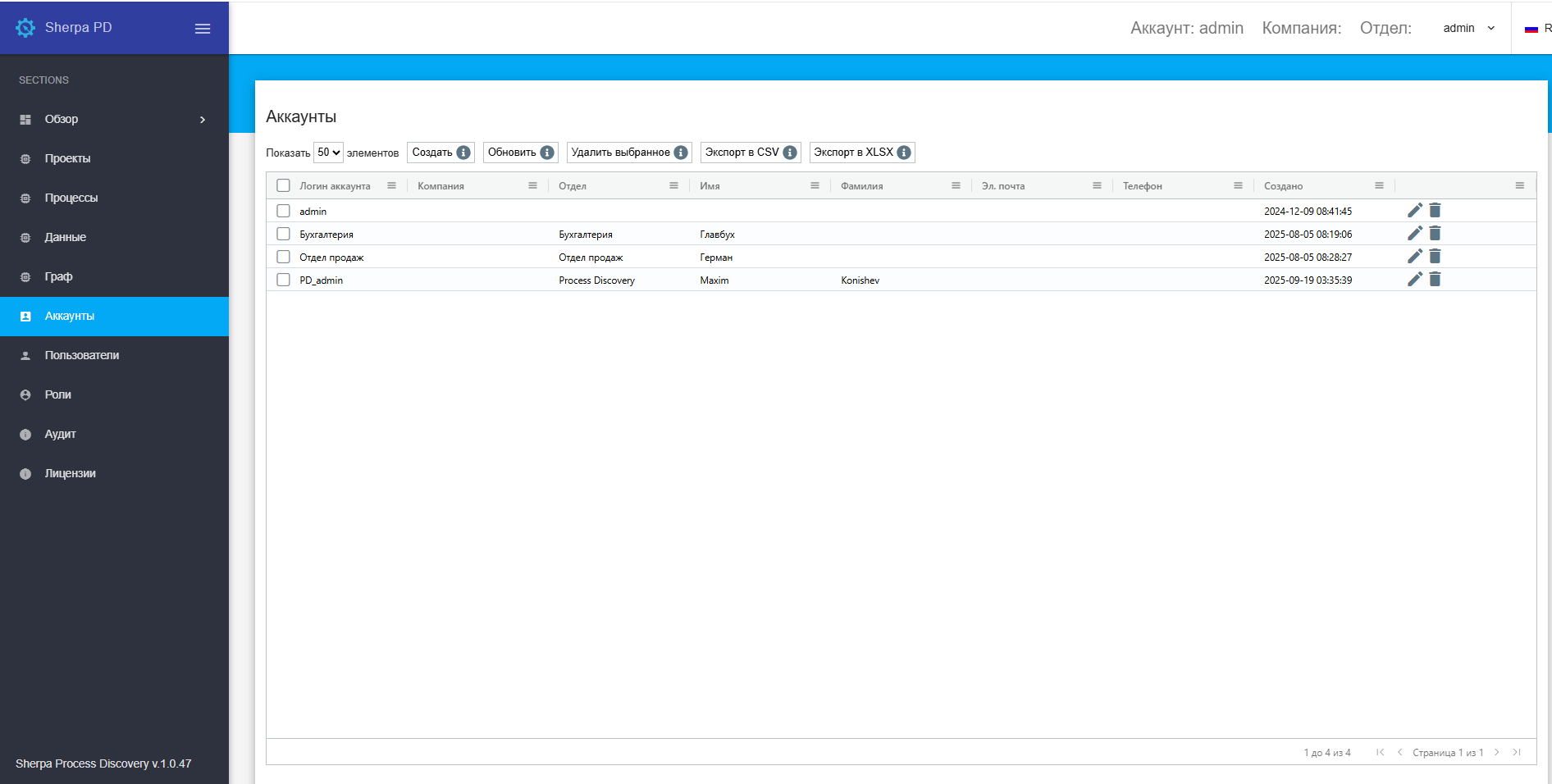
The “Accounts” screen contains the “Accounts” table:
Creating a New Account#
To create a new Account, you need to click the “Create” button in the “Accounts” table and fill out the opened form.
The new Account creation form offers three authentication options, from which you can select the desired one by setting a flag:
- Local authentication;
- LDAP authentication;
- OpenID authentication.
Editing a Previously Created Account#
To view and edit the properties of a specific Account, you need to select it from the list and click on the icon  . After that, a form with Account settings will open, where you can make the necessary changes. In addition to the fields filled in when creating a new Account, the editing form has an additional field “API Key” (a unique code used for authentication when working with the Sherpa Process Discovery API). This field cannot be edited.