
Offline Activation#
Launch Sherpa Assistant using the shortcut on your desktop.
After that, find the Sherpa Assistant icon in the system tray  , right-click on it, and a context menu will open. In it, select the "Settings..." option.
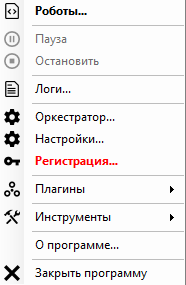
The settings window will open on the Registration tab:
.png)
The offline activation window will open. Enter your serial key and click on the "Offline Activation..." link. The offline activation window will open:
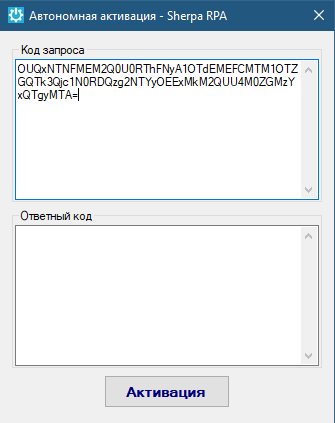
There are two fields in the window. You need to copy the value from the top field "Request Code" and send it to us at info@sherparpa.ru.
In response, we will send you the "Response Code," which you need to paste into the bottom window.
After that, click the "Activate" button.