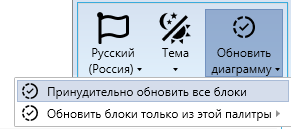
Tools Menu#
The "Tools" menu contains the main functions for configuring the interface and updating project elements.
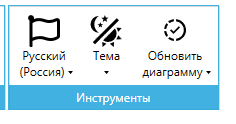
Russian (Russia)#
The "Russian (Russia)" button allows you to change the interface language for the Diagram Designer and the "Records" tool, as well as the agent program installed on the User's computer.
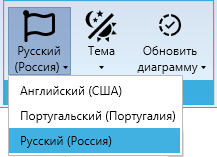
You can choose from the following languages:
- English,
- Portuguese,
- Russian.
By default, the Russian language is set.
Theme#
The "Theme" button allows you to switch the interface theme. Light and dark themes are available. The light theme is set by default.
.png)
Refresh Diagram#
The "Refresh Diagram" button updates the versions of blocks in the current project to the latest ones from the Block Palette, which is useful when opening projects created in earlier versions of the Designer to ensure functionality aligns with new versions.