
Request to Models in Sherpa Designer#
The connection is made within the "Request to Sherpa AI Server" block. You need to select "Sherpa AI Server" in the "Model" field:
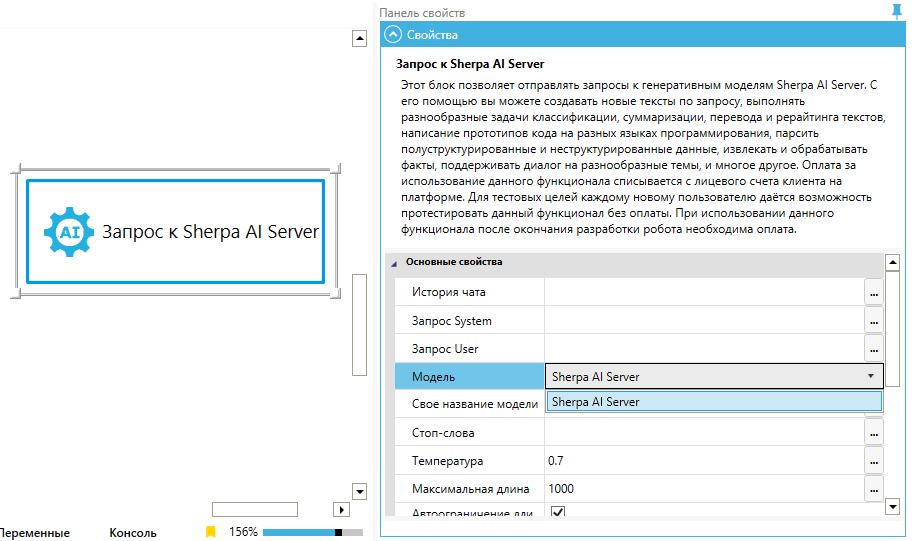
Then, in the "Your model name" field, specify the name of your own Model:
.png)
The request will be sent to the selected instance of the Model within the group.