Working in Sherpa Orchestrator#
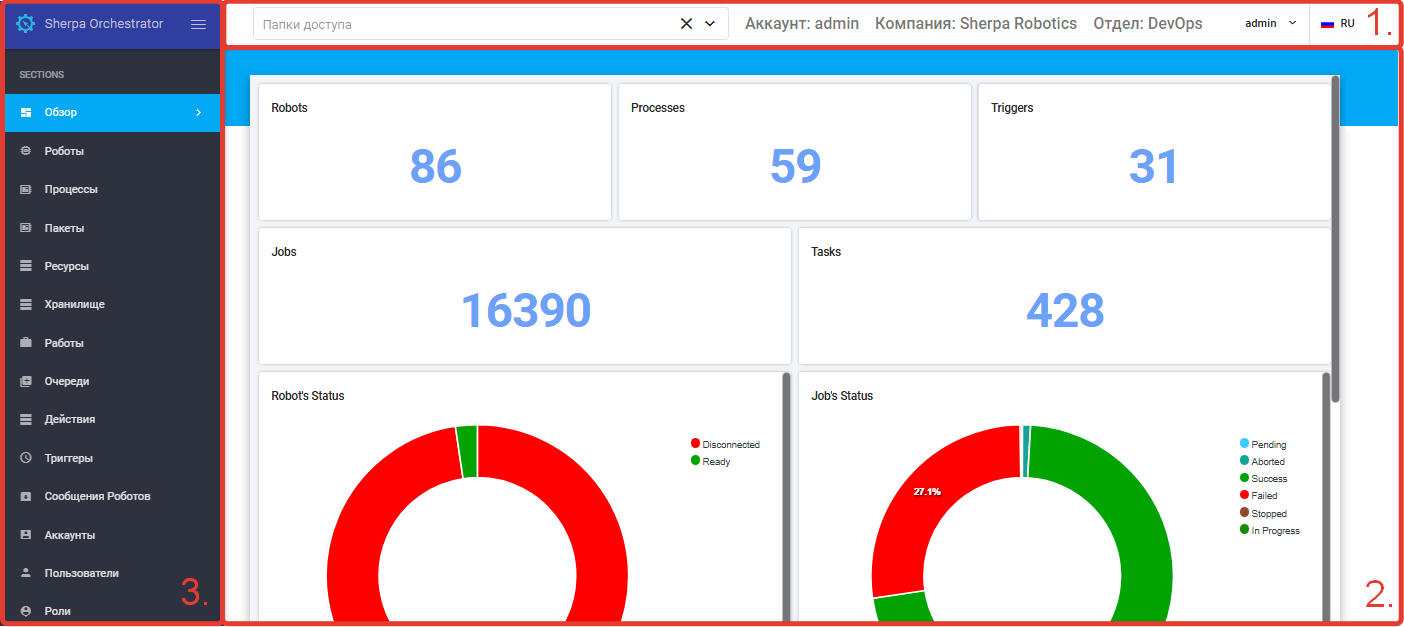
The default user interface of Sherpa Orchestrator consists of the main areas:
- User Parameters Panel.
- Workspace.
- Screens Panel.
| No. | Interface Element | Description |
| 1. | User Parameters Panel | Contains information about the User's parameters and allows actions with the current User Account. |
| 2. | Workspace | Area for working with the selected screen. |
| 3. | Screens Panel | Contains screens:
|