
License Registration#
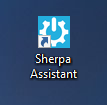
To register the robot license, you need to first close Sherpa Designer (if it was running). Then launch Sherpa Assistant using the shortcut on your desktop.
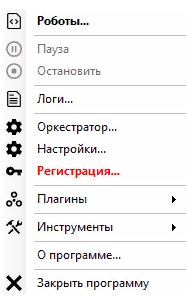
After that, find the Sherpa Assistant icon in the system tray  , right-click on it, and a context menu will open; select the "Registration..." option.
In the window that opens, go to the "Registration" tab and enter the license key number.
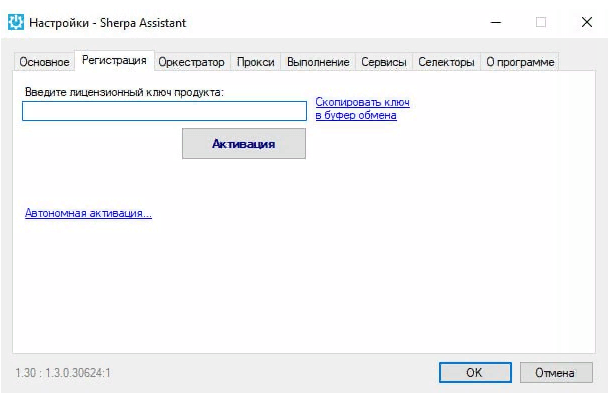
Click the "Activate" button and then "OK". This completes the license registration.
If you plan to work with Sherpa Designer afterwards, we recommend closing Sherpa Assistant using the corresponding option in the context menu.